
Check Watsonville Voter Registration
The California My Voter Status tool is the first stop for a Watsonville voter checking a personal record. It can confirm whether the voter is registered and show the name, party preference, registration address, and language preference held for that voter. It also reports vote-by-mail or provisional-ballot status, a vote center or assigned polling place, upcoming elections, voter-guide delivery choices, and county contact details. This secure service is meant for self-lookup. It is not a way to type another person's name and browse Watsonville voter rolls.
The tool uses personal-identification information, but its JavaScript form did not expose the exact labels during research. Do not rely on a guessed field list. Follow the prompts shown on the live service and enter only information the state requests.
| Lookup control | Kind | Required | What is known |
|---|---|---|---|
| Personal-identification fields | Secure web form | Yes | Exact labels were not available in the static official page. |
| Language | Selector | No | The state service offers English and Spanish. |
| Search or continue | Button | Action | Submits the secure status check. |
| Status categories | Results | Not applicable | May show status, registered name and address, party, ballot status, election and polling details. |
The state form can be previewed on the official My Voter Status screen before entering personal details.
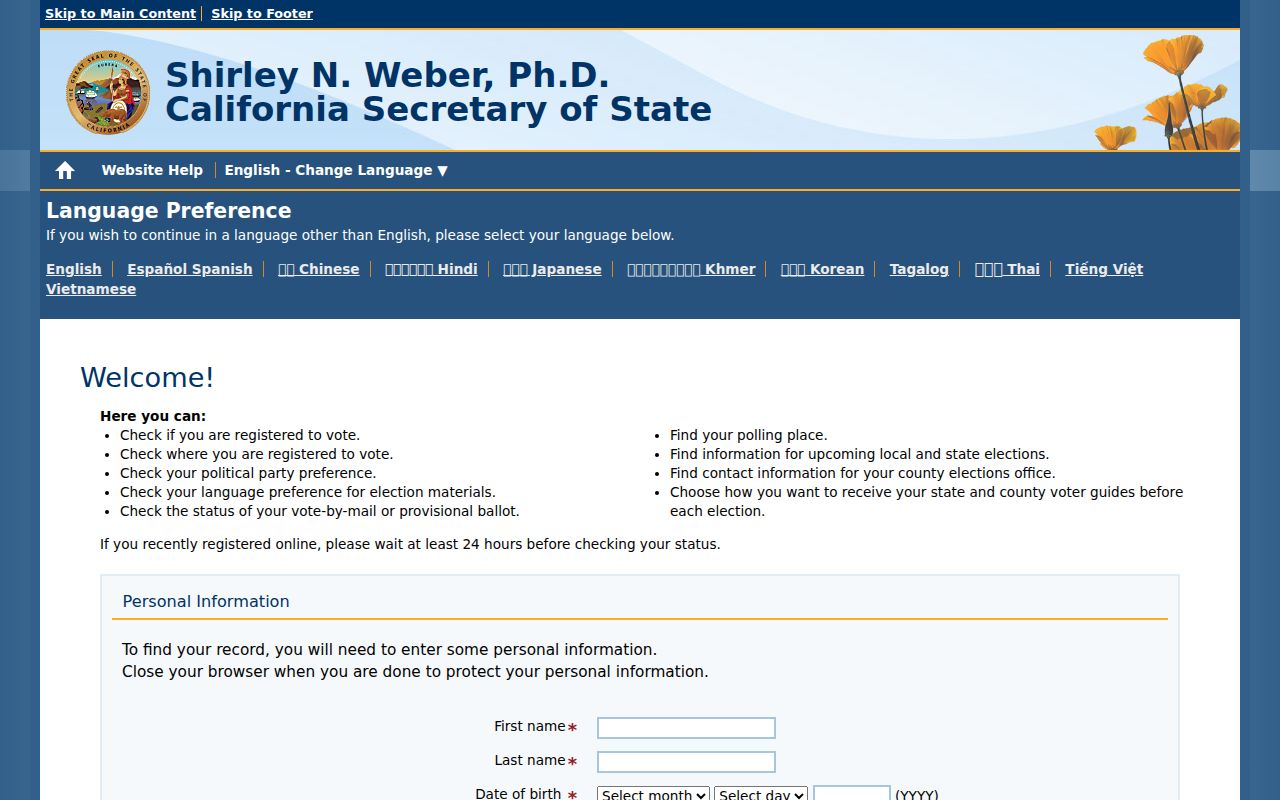
The screen confirms that the status route is a protected personal lookup, not an open roster of Watsonville names.
Watsonville Voter Status Results
A status result answers practical election questions. It can tell a Watsonville resident how the registration is recorded, whether a ballot has been received, and where voting will take place. Voting history means participation, not the selections marked on a ballot. Ballot choices remain secret.
If the online record seems wrong or cannot be found, call Santa Cruz County Elections at 831-454-2060. The California Secretary of State lists only the phone channel for Santa Cruz County rather than a separate county status lookup. A person who needs a paper registration card can request one through the county's toll-free line, 866-282-5900. This fallback matters when the state form cannot resolve a name, address, or recent update.
Note: Use the status tool for your own record and the county office for help with a missing or unclear result.
Watsonville Voter Records Access Boundary
California voter information is not ordinary public data. That distinction is easy to miss because the self-lookup is online and the county publishes a voter-data request page. The personal tool confirms one voter's own details. A voter file request, by contrast, must fit an election, scholarly, journalistic, political, or governmental purpose that election officials accept under state law.
Candidates and qualifying committees may apply, as may people with a supported scholarly, news, political, election, or government use. The Secretary of State can provide a statewide file, a county or district file, or records for up to ten specified voters, depending on the approved request. Santa Cruz County also accepts requests for county data. Neither route turns Watsonville voter data into an unrestricted people directory.
A common myth: A visible request form does not make the voter roll open to all. Approval, identity proof, a stated purpose, and use limits still apply.
Watsonville Voter Records Office
The records custodian for Watsonville elections is the Santa Cruz County Elections Department. Its public counter is at 701 Ocean Street, Room 310, Santa Cruz, CA 95060. Regular hours are Monday through Friday, 8 a.m. to 5 p.m. The office handles status help, registration cards, voter totals, file applications, and voter-data questions.
Santa Cruz County Elections
Counter: 701 Ocean Street, Room 310, Santa Cruz, CA 95060
Hours: Monday-Friday, 8 a.m.-5 p.m.
Voter registration: 831-454-2060
Registration cards: 866-282-5900
The county's request path allows a written application to be filed with the Elections Department before data is supplied. A request to view, buy, or use voter data may also be presented in person with identification. Photo ID is required. For general California access-law context outside the voter-file rules, consult the Watsonville public records process.
What Watsonville Voter Records Contain
An approved Santa Cruz County file can contain more detail than the self-status result, but only for non-confidential voters and a permitted use. The county says its data may include the voter's name, home and mailing addresses, party, a phone number or email if the voter supplied one, and whether the person voted in as many as four elections. That participation history never reveals how the person voted.
| Name | Included for a non-confidential voter in an approved file. |
|---|---|
| Residence and mailing addresses | Included by the county unless confidentiality rules protect the voter. |
| Political party | May appear as party information. |
| Phone and email | May appear only when supplied by the voter. |
| Voting history | Shows participation for up to four elections, never ballot choices. |
| District data | Available in the state distribution when requested and approved. |
The Secretary of State distributes approved data as three plain-text, tab-delimited files: voter data, voting history, and district data. Plain text is a basic file format without page styling. Tab-delimited means tabs separate each data field so database or spreadsheet software can sort the rows.
Confidential Watsonville Voter Records
Some fields never belong in the released file. Elections Code section 2194(b) excludes a California driver license or identification number, the last four digits of a Social Security number, the state's unique voter identifier, and a signature or digitized signature image. Pre-registration records for people who are sixteen or seventeen are also omitted because they are not registered voters until age eighteen.
California further withholds confidential voter records protected under Elections Code sections 2166, 2166.5, 2166.7, and 2166.8. The Safe at Home program can provide an eligible participant with a substitute mailing address accepted by state, county, and city offices. An absent Watsonville home address may therefore reflect a valid safety protection, not a bad record.
Confidential by law. Sensitive identifiers, signatures, protected-voter records, and minor pre-registration records are withheld. Do not try to bypass those limits or locate a protected residence.
Request Watsonville Voter Registration Data
A state request begins with the Secretary of State's California Voter Registration File Request application. The applicant must explain the qualifying purpose, name any beneficiary, identify the desired geographic scope and data, and accept security duties. The form requires an original signature, a clear copy of a current driver license or state ID, and the correct payment. Applications go by mail or hand delivery to the Elections Division in Sacramento. Email and fax applications are not accepted.
- Choose the source and scope. Request Santa Cruz County data locally, or use the state form for a statewide, county, district, or specified-voter file.
- Document the permitted purpose. Give enough detail and support for election, scholarly, journalistic, political, or governmental review.
- Prove identity and sign. Attach the required ID copy. State applications need the applicant's original signature.
- Pay and await review. State requests are handled in order received, with a stated review and processing window of seven to fourteen business days after receipt.
- Secure the delivery. Approved broad files are supplied in encrypted plain-text data; specified voter records may arrive by encrypted WinZip email.
The Santa Cruz County voter-file page shows local permissible uses, fee tiers, and the purchaser log.
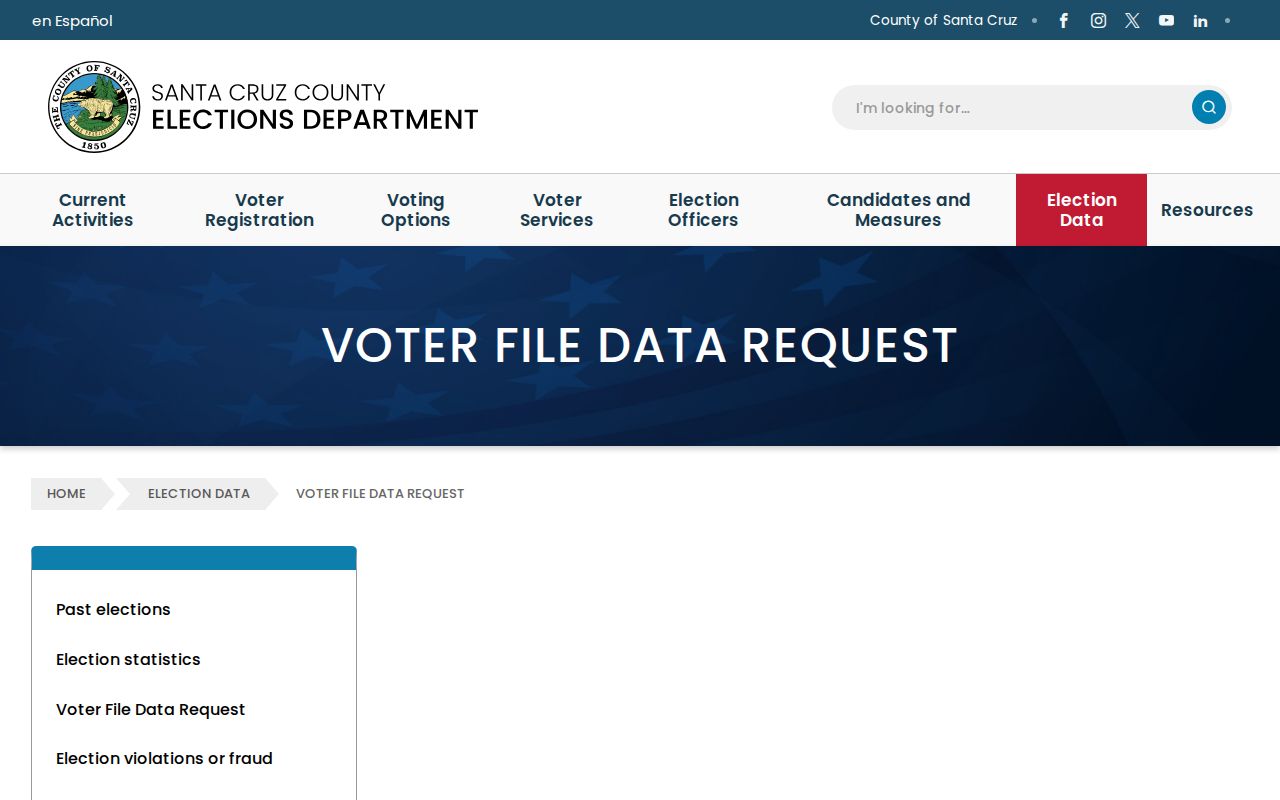
The county screen makes the controlled process visible and shows that Watsonville and district-specific requests are logged rather than handed out anonymously.
Watsonville Voter File Fees
State pricing is based on volume. California charges $15 per thousand records, capped at $100 for a data request. A request for a specific voter costs $30 per person, also capped at $100. No refund is available once data has been sent.
Santa Cruz County uses separate local tiers. Printed street or alphabetical precinct indexes are 50 cents per thousand names for its 54-day and 29-day indexes. A special computer run sorted by street or voter name costs $50 for the first 15,000 names, $100 for 15,001 through 50,000, and $150 above 50,000. CD or special-run lists cost $50 below 50,000 records, $100 from 50,000 through 100,000, and $150 above 100,000. Those files may include vote-by-mail voters and, when requested, voter history.
Note: Confirm the desired format with the Elections Department before paying, since county and state products use different fee schedules and delivery paths.
Watsonville Voter Data Limits
Approval carries strict duties. The file cannot be used for an unapproved purpose, passed to another person without the required new application and written consent, or used for commercial advertising or marketing. It must not be left on a public or unsecured system. State rules also bar use that harasses a voter or anyone in the voter's household.
Elections Code section 18109 makes voter-file misuse a misdemeanor and allows significant fines. Security is part of lawful use, not an optional step. Keep the file encrypted, limit access to people covered by the approved purpose, and follow the terms acknowledged on the application. If the purpose changes, seek approval before using the data in a new way.
Can a requested list be shared with a friend? Not as an informal handoff. California requires a new application and express written approval for a transfer unless the stated vendor exception applies.
Watsonville Great Register Voter Records
Current files are not the only voter source. The California State Archives lists Great Registers among its local-government holdings. These historical voter rolls can bridge gaps between censuses and other records for Watsonville and Santa Cruz County families. Depending on the year, an entry may give a name, age, birthplace or nativity, work, address or precinct, and naturalization details.
Start with the California State Archives local records collection. Watsonville Public Library also offers Ancestry Library Edition inside the library, while Santa Cruz Public Libraries and the Genealogical Society of Santa Cruz County hold countywide family-history resources. Historical access is research through archives and library databases, not a request for today's restricted voter file.
Great Registers can place an adult voter in a specific precinct and era, then point toward naturalization, deed, newspaper, probate, or census material. Earlier registers reflected the voting laws of their time and may not represent every adult resident. Treat each entry as one part of a larger family-history trail.